If you want to build a multi-tenant SaaS with Supabase, the database can enforce most of your tenant boundaries for you, but only if you design those boundaries explicitly.
Supabase gives you managed Postgres, authentication, APIs, Storage, and Row Level Security (RLS). That combination makes it a strong foundation for SaaS products where multiple companies or workspaces share the same application while keeping their data separate.
But multi-tenancy is not something you enable with one setting.
One missing RLS policy, one privileged server endpoint with weak authorization, or one table added without the right protection can create a path between tenants.
We have dealt with this architecture in real products, including a multi-tenant CRM built with Supabase, where each office has its own users, roles, patients, appointments, and records.
The important lesson is simple:
Tenant isolation should be enforced as close to the data as possible.
This guide walks through the architecture, RLS setup, onboarding, billing, security mistakes, and scaling decisions to consider before your SaaS reaches production.
What multi-tenancy actually means
A tenant is usually a single customer account within your product.
Depending on the SaaS, that might be:
- a company;
- a team;
- a workspace;
- an office;
- an agency;
- a client organization.
Multi-tenancy means many of those customers use the same application and infrastructure while their data remains logically isolated.
Imagine a project management SaaS.
Acme signs in and creates 200 projects.
Another customer, Northstar, creates 50.
Both companies use the same application and possibly the same projects table. But Acme should never be able to query, update, or delete Northstar's projects.
That sounds obvious.
The difficult part is making that rule hold everywhere: direct database queries, frontend requests, API routes, background jobs, Storage, admin tools, and future features your team has not built yet.
This is why relying only on application code is risky.
If every query depends on a developer remembering:
where tenant_id = current_tenant
someone will eventually forget it.
With PostgreSQL Row Level Security, the database itself can reject rows the authenticated user is not allowed to access. Supabase describes RLS policies as effectively adding authorization conditions to database queries before data is returned.
That is a much stronger tenant boundary than hiding records in React.
The three common tenant-isolation models
Before creating policies, decide how your tenants will be separated.
There are three common approaches.
1. Shared database, shared tables
This is the most common architecture for startup and SMB SaaS products.
Every tenant uses the same tables, and tenant-owned records include a column such as:
tenant_id
or:
organization_id
RLS policies then determine which authenticated users can access each row.
For example:
projects
------------------------------------------------
id | tenant_id | title
------------------------------------------------
1 | ACME | Website redesign
2 | NORTHSTAR | Mobile app
3 | ACME | Customer portal
The application shares infrastructure, while the database enforces who can see which records.
The advantages are significant:
one migration path, one database to maintain, easier reporting, lower infrastructure overhead, and straightforward onboarding for new customers.
For most SaaS products, this is where we would start.
2. Shared database, separate schemas
Another option is creating a separate PostgreSQL schema for each tenant.
That provides a stronger structural separation, but operational complexity increases quickly.
If you have hundreds of customers, a schema change might need to be propagated across hundreds of schemas. Queries, migrations, reporting, and tooling can all become more complicated.
This model can still make sense for products with a relatively small number of larger customers and unusually strong isolation requirements.
3. Separate database or environment per tenant
The strongest isolation is giving customers independent database infrastructure.
It also creates the most operational work.
Provisioning, deployments, migrations, monitoring, backups, and configuration now have to be handled across multiple environments.
That can be justified when enterprise contracts, compliance requirements, infrastructure requirements, or unusually demanding workloads call for it.
But starting there simply because it feels safer can leave an early-stage SaaS solving infrastructure problems it does not have yet.
For most teams building their first version, shared tables + strong RLS is the practical default.
If you are still deciding whether Supabase itself is appropriate for your production workload, we covered that separately in Is Supabase Good for Production? Security, Scaling, and Costs Explained.
The basic data model: tenants, users, and memberships
A robust shared-table architecture usually starts with three ideas:
a tenant, a user, and their relationship.
Create the tenant table first:
create table tenants (
id uuid primary key default gen_random_uuid(),
name text not null,
created_at timestamptz not null default now()
);
Then create a membership table:
create table tenant_members (
tenant_id uuid not null references tenants(id) on delete cascade,
user_id uuid not null references auth.users(id) on delete cascade,
role text not null default 'member',
created_at timestamptz not null default now(),
primary key (tenant_id, user_id)
);
This structure is important because one user may belong to several organizations.
A consultant might work with three client accounts.
An agency employee might switch between ten customer workspaces.
A founder might own two companies.
Instead of assuming that a user has exactly one permanent tenant_id, the membership table records which tenants the user is actually allowed to access.
Now create a tenant-owned table:
create table projects (
id uuid primary key default gen_random_uuid(),
tenant_id uuid not null references tenants(id) on delete cascade,
title text not null,
created_at timestamptz not null default now()
);
Every tenant-scoped resource follows the same principle.
Projects.
Customers.
Invoices.
Tasks.
Documents.
Settings.
If the data belongs to a tenant, the database needs a reliable way to identify that tenant.
Why Row Level Security is the real security boundary
Supabase exposes database functionality through its Data API, which is one reason RLS matters so much.
For frontend-accessible data, Supabase explicitly recommends enabling Row Level Security and configuring policies that grant only the access your application actually needs.
Enable RLS on the table:
alter table projects enable row level security;
Now authenticated users need an explicit policy before they can access rows.
A simple membership-based policy can look like this:
create policy "Members can view tenant projects"
on projects
for select
to authenticated
using (
exists (
select 1
from tenant_members tm
where tm.tenant_id = projects.tenant_id
and tm.user_id = (select auth.uid())
)
);
The database is asking:
Is the current authenticated user a member of the tenant that owns this project?
If not, the row does not pass the policy.
For inserts, add a corresponding with check policy:
create policy "Members can create tenant projects"
on projects
for insert
to authenticated
with check (
exists (
select 1
from tenant_members tm
where tm.tenant_id = projects.tenant_id
and tm.user_id = (select auth.uid())
)
);
This distinction matters.
using controls which existing rows a request can access.
with check controls whether new or modified row values are allowed.
Without the correct write policies, you can secure reads while accidentally leaving unsafe create or update behavior.
What about putting the tenant in the JWT?
You can also store tenant or role information in JWT claims.
Supabase supports custom claims through a Custom Access Token Hook, and those claims can be referenced inside RLS policies.
For example:
(auth.jwt() ->> 'tenant_id')::uuid
can be compared against a row's tenant_id.
This can be useful, especially when you need frequently accessed authorization context.
But there is an architectural trade-off.
JWTs represent information at the time the token was issued. If permissions or tenant context change, the token may need to be refreshed before the new state is reflected.
That is why we generally prefer database membership as the source of truth for tenant access, particularly when users can belong to multiple organizations.
You can still use JWT claims for roles, authorization hints, or active workspace context.
Just do not let convenience become your only tenant boundary.
Add indexes before RLS becomes slow
Secure queries still need to be fast.
If policies repeatedly check tenant_id, user_id, or membership relationships, those columns should be indexed appropriately.
For example:
create index projects_tenant_id_idx
on projects (tenant_id);
And depending on your access patterns, you may want indexes supporting membership lookups as well.
Supabase specifically recommends indexing columns used inside RLS policies and reports substantial performance improvements in large-table tests when suitable indexes are added.
This is an easy problem to miss during development.
With 200 rows, almost everything feels fast.
With 20 million rows, inefficient authorization logic becomes part of every request.
Security architecture is also performance architecture.
Six multi-tenant mistakes that cause real problems
Most cross-tenant security issues do not come from some sophisticated database exploit.
They come from ordinary development mistakes.
1. Forgetting RLS on a new table
A developer adds a new feature.
The migration creates the table.
The frontend works.
Everyone moves on.
But nobody enabled RLS.
For schemas exposed through the Data API, that is a serious problem.
Make tenant security part of your migration checklist, and use automated checks where possible. Supabase's security tooling can also identify incorrectly configured RLS policies and other database issues.
2. Treating views like normal RLS-protected queries
Views need special attention.
PostgreSQL views can run using the permissions of their owner, which may bypass RLS depending on how the view was created.
With PostgreSQL 15+, views can be created using:
security_invoker = true
so the underlying RLS policies are applied based on the querying user. Supabase explicitly documents this behavior.
If your SaaS uses reporting views, dashboards, or aggregated data, review them carefully.
3. Exposing privileged keys
Supabase secret keys and the legacy service_role key are intended for trusted server-side operations and can bypass Row Level Security.
They should never reach the browser or any publicly accessible client.
Treat them like database credentials.
Use them for administrative jobs, trusted background processes, migrations, webhook handling, or other server-controlled operations that require elevated access.
And when you bypass RLS, your server code becomes responsible for authorization.
4. Testing with only one tenant
This is one of the easiest mistakes to make.
If your test environment contains only one organization, all queries look correct.
There is nothing else to leak.
A meaningful multi-tenant security test needs at least:
Tenant A
Tenant B
User A
User B
Then try to access Tenant B's resources while authenticated as User A.
Do it for reads.
Do it for inserts.
Do it for updates.
Do it for deletes.
Do it for APIs and file access.
Successful requests are not enough.
For tenant isolation, you also need tests that verify that incorrect requests fail.
5. Securing tables but forgetting Storage
Multi-tenant SaaS products rarely store only database rows.
They also store:
contracts, invoices, avatars, exports, attachments, reports, PDFs, and other files.
Supabase Storage has its own access-control model using policies on storage.objects. Private buckets are subject to access control, while public buckets intentionally make asset retrieval public.
If Tenant A's invoice is stored under:
/acme/invoices/2026-08.pdf
do not assume the folder name itself provides security.
Your Storage policies need to enforce tenant membership too.
6. Trusting the frontend tenant ID
Imagine this request:
{
"tenant_id": "acme",
"title": "New project"
}
The browser supplied tenant_id.
That does not make it trustworthy.
A user can modify browser requests.
Your database policy should verify that the authenticated user actually belongs to that tenant before accepting the row.
The frontend can tell you which workspace the user selected.
RLS decides whether they are allowed to use it.
Those are two different jobs.
Tenant onboarding should be transactional
When someone creates a new workspace, several things may need to happen:
create the tenant;
create the membership;
assign the owner role;
create default settings;
possibly create trial or subscription records.
You do not want step one to succeed and step two to fail.
Otherwise you end up with half-created tenants and support problems that are difficult to reproduce.
For database-side provisioning, prefer a transaction or database function that performs the related database operations together.
An Edge Function or server route can orchestrate the request, but the database should preserve consistency where possible.
A good onboarding flow should be safe to retry too.
Users double-click.
Networks time out.
Webhook providers retry events.
Production systems should assume that the same operation may arrive more than once.
How billing fits into a multi-tenant architecture
For B2B SaaS, subscriptions usually belong to the tenant, not an individual user.
A simplified tenant table might eventually contain:
stripe_customer_id
subscription_id
plan
subscription_status
When Stripe sends a webhook, your backend verifies the webhook and updates the tenant's billing state.
Do not trust a frontend value such as:
{
"plan": "enterprise"
}
to decide what someone can use.
Billing state should come from trusted server-side data.
And keep two concepts separate:
Tenant isolation answers:
“Can this user access this company's data?”
Entitlements answer:
“Does this company pay for this feature?”
They sometimes interact, but they solve different problems.
Keeping them separate makes both systems easier to reason about.
Subdomains are routing, not security
Many B2B SaaS products use URLs such as:
acme.yourapp.com
northstar.yourapp.com
That is useful.
It creates clean workspace URLs and gives the application an easy way to determine which tenant the user intends to access.
With Next.js, middleware or server-side routing can resolve the subdomain and load the corresponding tenant.
But the subdomain itself is not authorization.
Someone can manipulate URLs.
Your RLS policies should still verify that the authenticated user belongs to that organization.
Think of the subdomain as:
“Which tenant are you trying to access?”
And RLS as:
“Are you actually allowed to?”
Scaling a multi-tenant SaaS on Supabase
Shared-table multi-tenancy can take a product a long way.
You do not need to design infrastructure for your hypothetical millionth customer before you have your first hundred.
But there are several things worth watching as usage grows.
First, monitor database queries and RLS performance.
Second, index authorization columns properly.
Third, watch database connections. Supabase provides Supavisor for connection pooling and recommends serverless-friendly connection strategies for edge and autoscaling environments.
Fourth, watch for noisy neighbors.
One tenant importing millions of records or running expensive reporting queries can affect shared infrastructure.
That does not necessarily mean shared tables were the wrong decision.
It may simply mean your largest tenant now deserves different infrastructure.
Multi-tenancy does not have to be all-or-nothing.
You can keep most customers in shared infrastructure while moving unusually large or contract-sensitive accounts to more isolated setups when the economics justify it.
Architecture should evolve with the product.
Not with imagined problems.
A real-world example: multi-tenant CRM on Supabase
At BluDeskSoft, we used this type of architecture for an Optometry Office CRM.
The application supports multiple optometry offices, each operating with its own users, roles, patients, appointments, medical history, prescriptions, and workflows.
The offices share the same product.
They should not share each other's records.
That is exactly the kind of problem where Supabase works well: relational business data in Postgres, authentication, tenant membership, role-based access, and Row Level Security protecting the boundaries between organizations. BluDeskSoft's published case study confirms that the application uses Supabase and role-based access per office.
And this is why multi-tenancy decisions matter early.
Changing a button later is easy.
Changing your tenant model after every table, API, workflow, report, and file path depends on it is much more expensive.
Frequently asked questions
Does Supabase support multi-tenancy out of the box?
Supabase gives you the building blocks rather than a single “enable multi-tenancy” switch.
Postgres, Supabase Auth, Row-Level Security, JWT claims, database functions, Storage policies, and APIs provide the components needed to build strong tenant isolation.
You still have to design the data model and authorization rules correctly.
Is Row Level Security enough for tenant isolation?
RLS should be one of your main security boundaries for tenant-scoped database access.
But a production SaaS also needs secure server endpoints, properly protected privileged credentials, Storage policies, role checks, testing, and monitoring.
RLS protects you from many application-level mistakes.
It should not become an excuse to ignore the rest of the authorization surface.
Should I use JWT claims or a membership table?
For products where users can belong to multiple organizations, a membership table is a strong source of truth.
JWT claims can still be useful for roles or authorization context, and Supabase supports adding custom claims using Auth Hooks.
The best solution depends on how often permissions change and how your workspace switching works.
Which multi-tenancy model should a startup choose?
For many B2B SaaS products, start with:
shared database + shared tables + tenant_id + strong RLS policies.
It gives you low operational overhead and a clean path to scale.
Move individual customers to more isolated infrastructure when compliance, contractual requirements, performance, or economics create a real reason to do so.
Can Supabase handle a production multi-tenant SaaS?
It can be a strong fit for many production SaaS applications, particularly products built around relational data, authentication, APIs, and fine-grained authorization.
The bigger question is whether your workload and architecture are a good fit for the platform.
We cover that decision in more detail in Is Supabase Good for Production? Security, Scaling, and Costs Explained.
Final checklist before launch
Before shipping a multi-tenant SaaS, verify that:
- every tenant-owned record has an explicit tenant relationship;
- RLS is enabled on every exposed tenant-scoped table;
- SELECT, INSERT, UPDATE, and DELETE behavior has been tested;
- users cannot access another tenant by changing IDs manually;
- Storage access follows the same tenant boundaries as database records;
- privileged Supabase credentials exist only in trusted server environments;
- views and database functions have been reviewed for RLS behavior;
- policy columns have suitable indexes;
- billing and feature entitlement logic comes from trusted server-side state;
- automated tests include at least two tenants and verify denied access.
If any one of those is unclear, your SaaS is not finished from a tenant-isolation perspective.
Wrapping up
Building a multi-tenant SaaS with Supabase is not mainly about adding a tenant_id column.
It is about deciding where trust lives.
The frontend should not decide who can access a tenant.
A URL should not decide.
A hidden button should not decide.
Your authorization model should.
For most B2B SaaS products, that means starting with a shared database, clearly modeling tenant memberships, enforcing access with Row Level Security, securing privileged server operations, protecting files as carefully as database rows, and testing what happens when someone deliberately tries to cross the tenant boundary.
Get those fundamentals right, and Supabase removes much of the backend infrastructure work without forcing you to give up control over your data model.
Get them wrong, and the application may look perfectly functional right up until the first user accesses something they should never have seen.
If you're planning a SaaS product and want help deciding how to structure authentication, tenant isolation, roles, or your Supabase architecture, explore our Supabase Development Services.
At BluDeskSoft, we build custom web applications designed to launch quickly, without treating production security and scalability as problems to be solved later.
 BluDeskSoft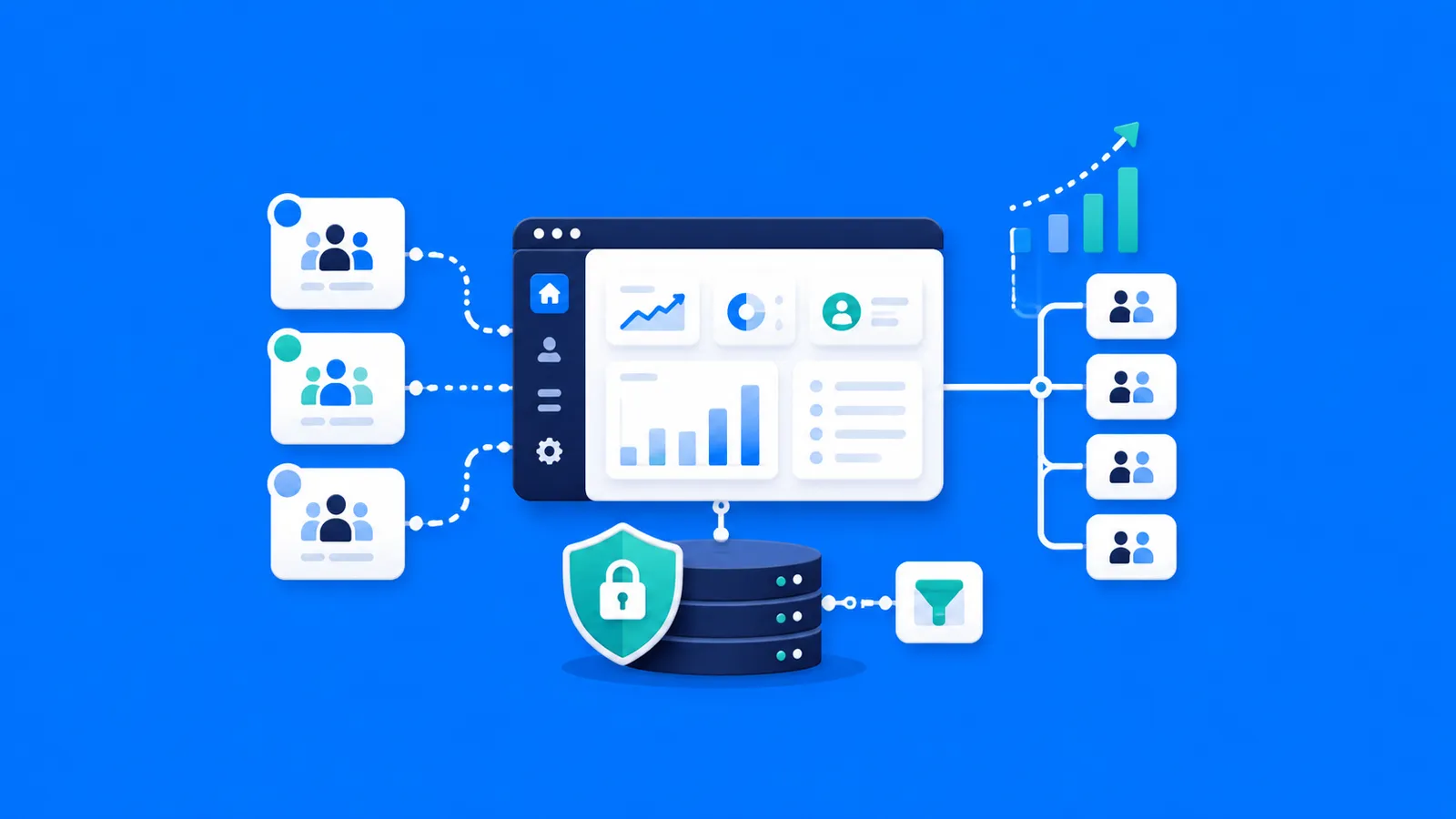
-800x450.webp)