 BluDeskSoft
Build Your No Code AI SaaS in 10 Minutes (for Free)
Build a No Code AI SaaS in 10 minutes. Step-by-step.
Georgiana Nutas
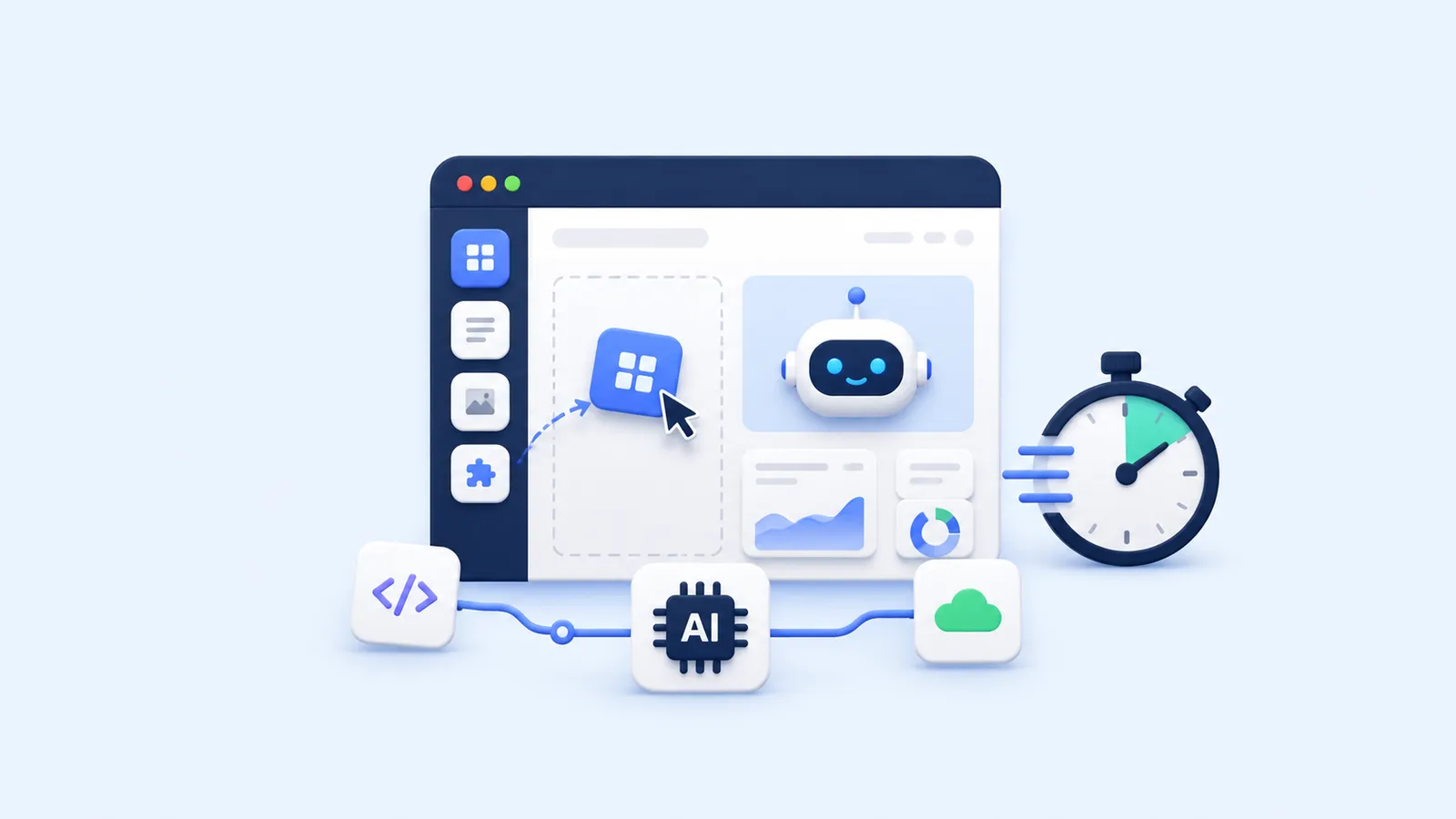
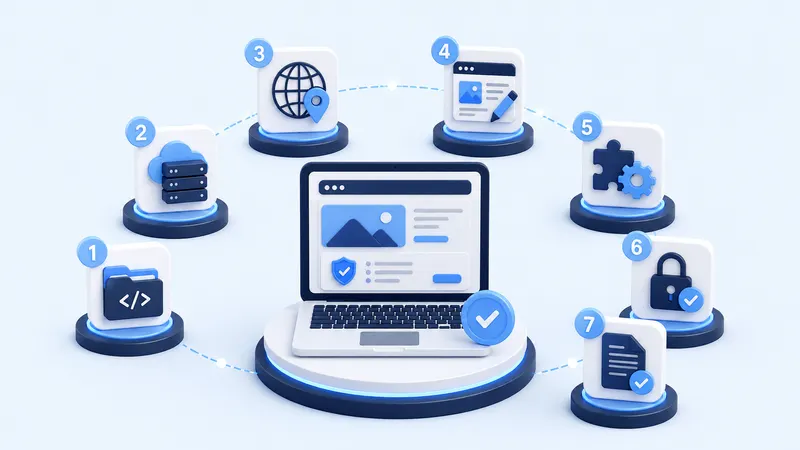
Launching a SaaS (Software as a Service) has long been seen as a challenge reserved for experienced developers. You needed to know how to code, design a database, manage servers, and build complex user interfaces. Today, things have changed. Thanks to the combination of No Code tools and Artificial Intelligence (AI), almost anyone can create a SaaS product in record time, even without technical knowledge.
In this article, we’ll break down a simple, step-by-step plan to build your own AI-powered SaaS in just 10 minutes.
What is a SaaS?
SaaS stands for Software as a Service. It refers to applications hosted in the cloud and accessible through a web browser. Instead of downloading and installing software, users simply sign up, log in, and start using the product.
You interact with SaaS products every day without even realizing it:
- Google Drive: cloud storage and collaboration
- Slack: team communication
- Notion: productivity and knowledge management
The key advantage of a SaaS model is scalability: once your product is built, it can serve thousands of users without requiring major changes on your side.
Step 1: Build Your Website (The Front Door of Your SaaS)
Your website is your digital storefront. It tells visitors what your SaaS does, who it helps, and why they should try it.
No Code tools make this simple:
- Webflow: for highly customizable websites
- Framer: for fast, design-first landing pages
- Bubble: for sites that integrate directly with your app
Keep it clean and focused. A homepage, a pricing page, and a sign-up page are enough to start.
Step 2: Design Your Application (Front-End)
This is the part of your SaaS that users interact with the interface. Thanks to No Code platforms, you can create dashboards, forms, and workflows visually, without coding.
Popular options include:
- Bubble: powerful and flexible app builder
- Glide: turns spreadsheets into apps
Written by
Georgiana Nutas
Building modern web applications at BluDeskSoft. We write about what we learn along the way.
-1-800x450.webp)
-800x450.webp)