Stampello is a digital loyalty stamp card for local shops, built around one rule: the customer never has to install anything. It is one of the products we build at BluDeskSoft, and this article walks through how it works and the decisions behind it.
If you run a small shop, you may recognize the problem. If you build products, the choices may be useful for your own.
The problem with paper punch cards
Paper punch cards are simple, which is why many local shops still use them. They also have limits that small business owners notice quickly.
A card can be lost or left at home. The owner has no record of who collects stamps or how often they return. There is little way to tell whether the program changes anything.
Our goal was to keep the simplicity of a stamp card while adding the visibility paper can't provide.
Decision 1: no app for the customer
Customers do not download an app or create an account. They scan a QR code on a poster near the till to get their card. The poster is the only thing a customer needs in order to join.
We chose this because every step before the first stamp is a reason not to join. A shop owner cannot ask someone in a queue to install something, so we kept the first minute down to a single scan.
If you are weighing the same trade-off for your own product, we wrote about why a PWA can be a smarter launch than an app store listing.
Decision 2: the shop only needs a phone
The owner needs no special hardware. Customers show their card at the till, and the shop scans it to add a stamp. When the card is full, the shop hands over the reward the same way.
We kept this step short on purpose, because it happens at the till, where time is limited.
Decision 3: a card that looks like the shop's own
We think a loyalty card feels more like part of the shop when it looks like the shop. The card studio lets owners add a logo and start from a template. They then choose colors, a stamp icon, a stamp shape, a background pattern, and a font pairing.
The owner also sets the reward, such as a free coffee or a free croissant. A live preview shows the card as they edit it.
What the owner sees
The dashboard shows how the program is used, in plain numbers. It tracks members, stamps issued, rewards given, and active cards, with charts for stamps per day and new members per week.
Growth tools sit next to it. Owners can share a join link, print the QR poster, and see which channel their members came from.
The stack
Stampello is built with Next.js, TypeScript, Supabase, and Tailwind CSS. We use this stack across several of our own products, which keeps the code consistent and lets us move quickly.
If you are planning something similar, you can read more about how we work with Supabase.
Where Stampello stands today
Stampello is in beta and free to use for now. The first 30 shops get the Pro plan free for a year, and setup takes about five minutes.
What can founders borrow?
Three ideas from Stampello apply well beyond loyalty cards.
- Count the steps between a new user and their first success, then remove every step that does not have to be there.
- Design for the least technical person who will touch the product. Here, that is a shop owner at the till.
- Say what you know and what you do not yet know. Early numbers are easy to overstate and hard to take back.
Try it, or talk to us
You can try Stampello at stampello.app. If you are planning a product of your own and want to talk through the decisions, you can book a free strategy call.
 BluDeskSoft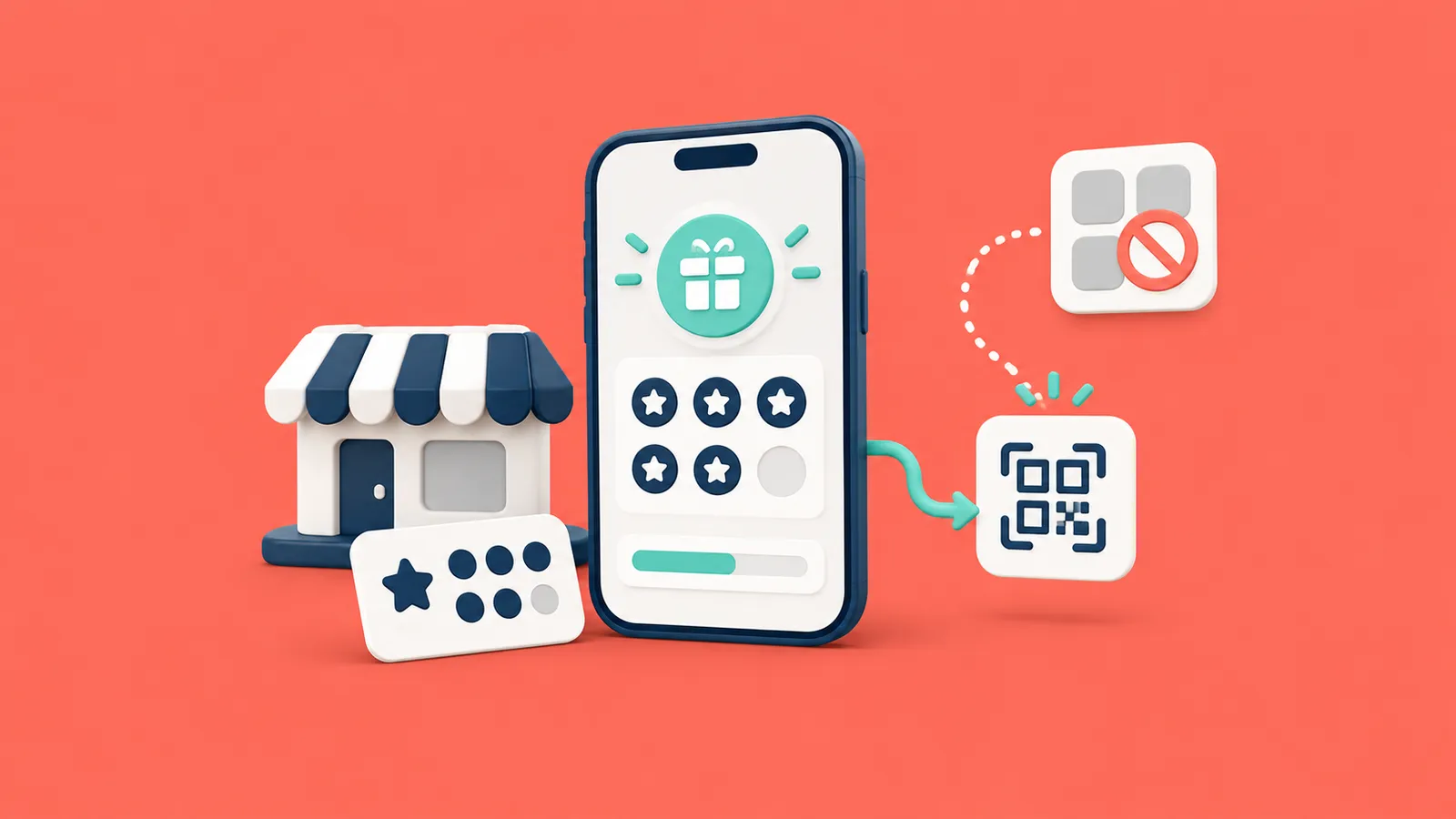
-800x450.webp)